AttainXR Support
How can we help your VR program?
VR basics for learners, setup help for every program, stories from schools already teaching in VR, and a direct line to our support team.
New to VR? Start here Program types Setup & troubleshooting Tickets & feedback
Some support content requires a customer account
AttainXR has a full knowledge base of articles and a ticketing system for our customers. The articles on this page are open to everyone. Register for an account to see teaching guides, the full knowledge base and your support tickets.
FOR LEARNERS
If you're new to VR, start here
Four short basics to read or watch before your first session. They work the same in every AttainXR app.
1
Set up and use your Meta Quest 3S
Fit and focus, controllers and hand tracking, and getting around the headset.
2
Understand your Meta or ArborXR home
Find your apps, the menu and your play boundary from the home screen.
Coming soon
3
Hand tracking and controllers
Point, pinch, grab and open the menu, with or without controllers.
Coming soon
4
AttainXR applications
Open an app, follow the guided steps, and ask your instructor for help.
Coming soon
FOR TEACHERS & ADMINS
Pick your program type
Getting-started help for running AttainXR in your setting.

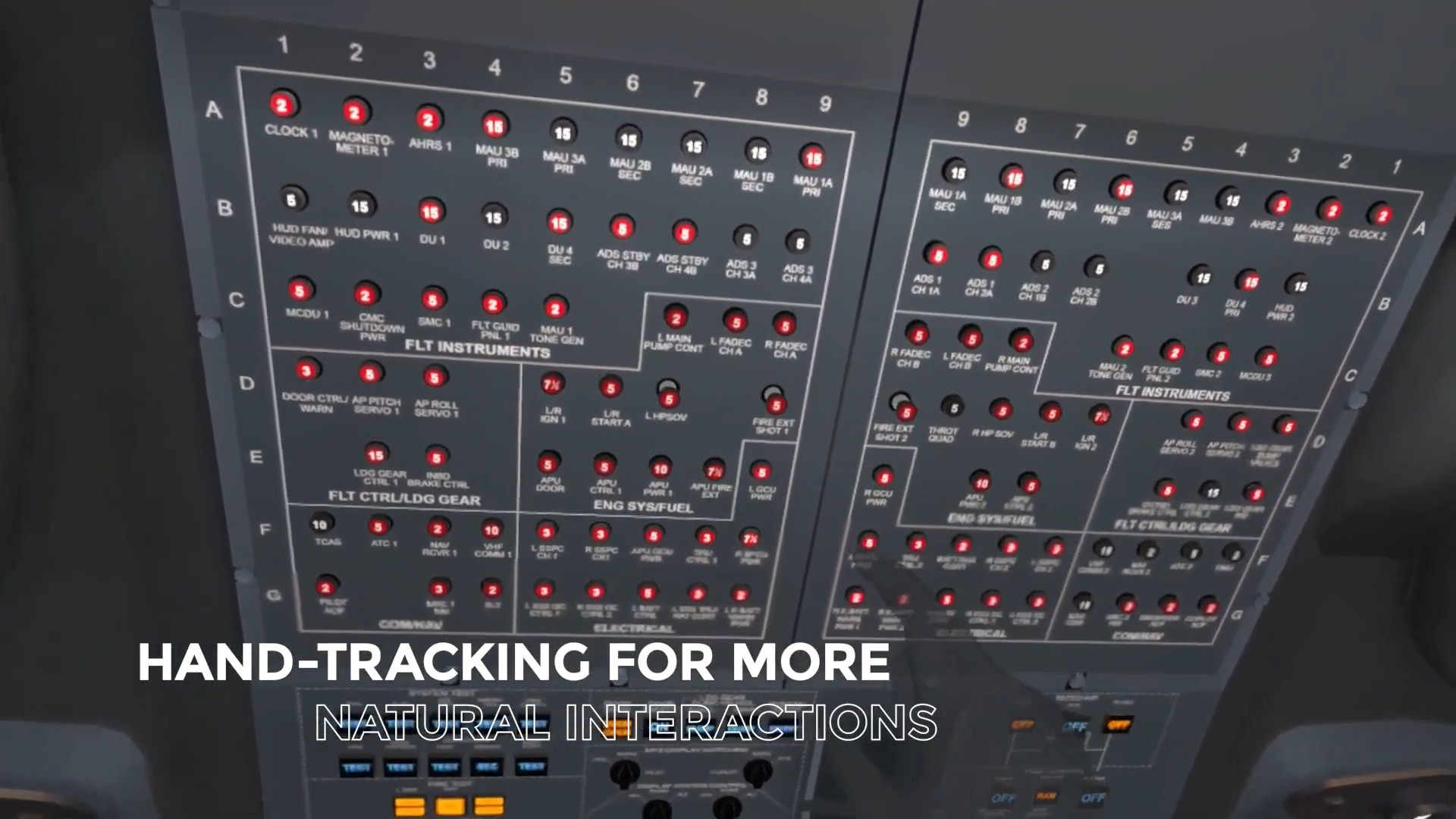
Aviation & Part 147 schools
Cessna 172, King Air C-90, ERJ-145, Lycoming O-320, PT6 and the Aircraft Towing Simulator.
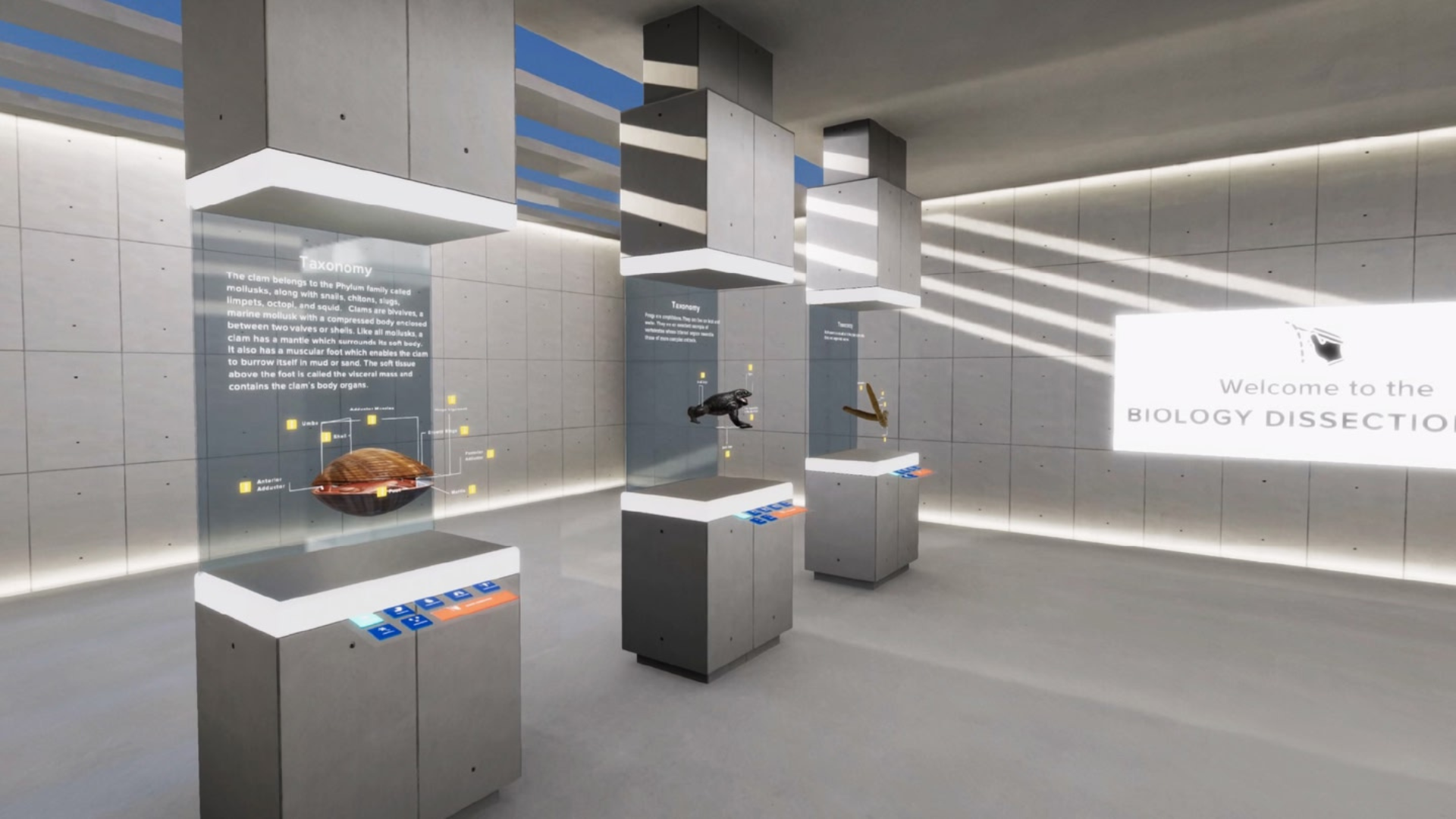
K-12 STEM
Dissection Lab and Chemistry: Molecule Builder, for ClassVR and Meta Quest classrooms.
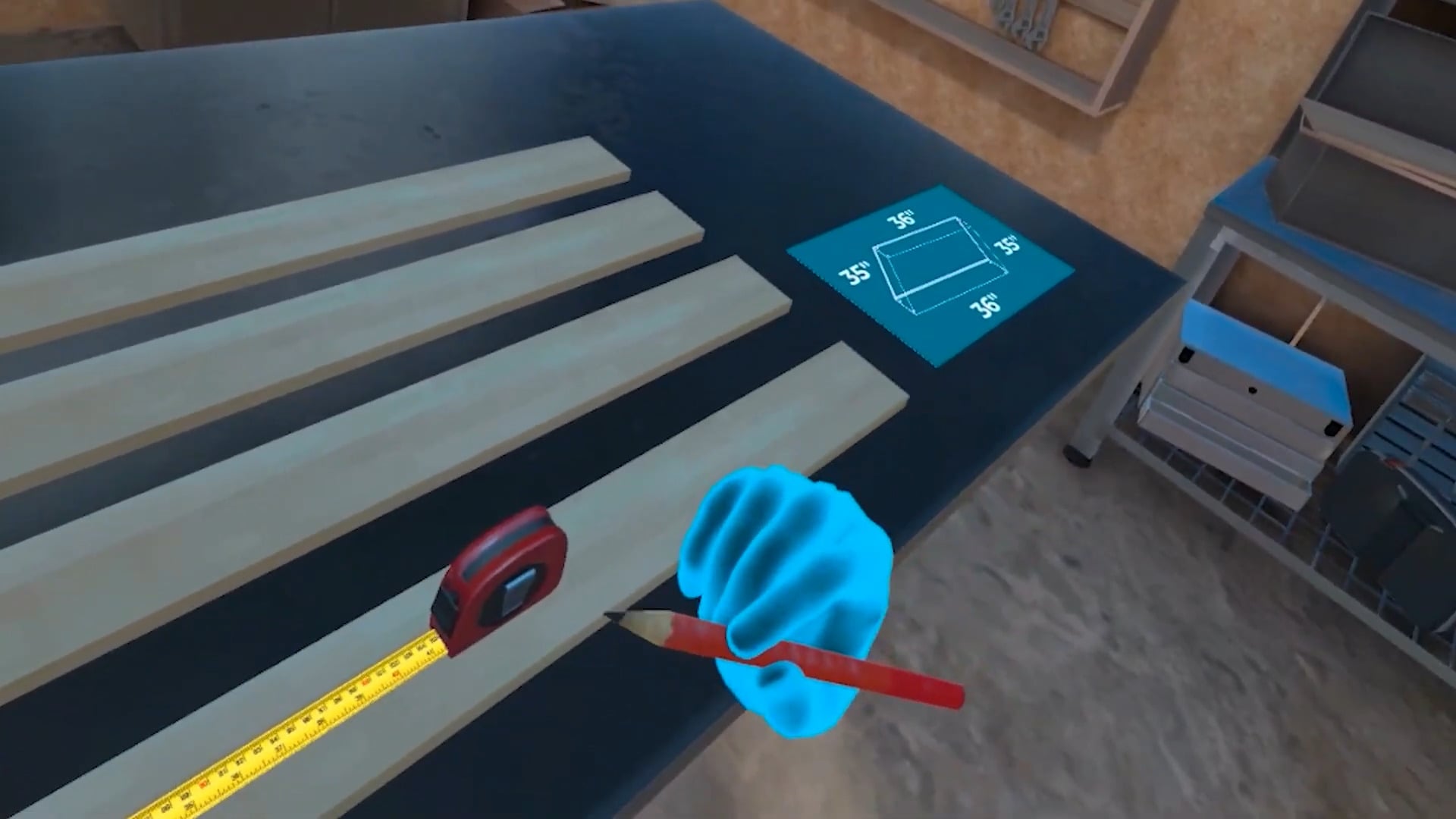
Career & Technical Education
Virtual Shift (car sales, kitchen chef, office admin) and Intro to Construction.
EVERY PROGRAM
Setup & troubleshooting
The same headsets and platform run every AttainXR app, so these guides apply whether you teach aviation, STEM or CTE. Setup articles are open to everyone.
Headsets & Meta setup
Get headsets enrolled, apps shared and devices ready for class.
XR Platforms
Manage users, run group sessions and see how learners did.
ArborXR
Troubleshooting
Quick fixes for the problems teachers hit most often. Troubleshooting articles are in the customer knowledge base, so sign in to search them.
Seeing how others use Immersive training
Talk to us
Customers can open a support ticket. Anyone can send feedback.
Customers · sign-in required
Support tickets
Headset or app problem? Sign in to open a ticket, follow its progress and search the full knowledge base, including teaching guides.
No account yet? Register for an account
Urgent? +1 203 286-4703 · info@attainxr.com
Open to everyone · no sign-in
Send us feedback
An idea for an app, something that confused you, or a page we should fix. Takes a minute, and the AttainXR team reads every note.